
Everything you need to train people and prove it
Lantern is one place for the training you buy, the training you write, and the qualifications and sign-offs that happen outside it.
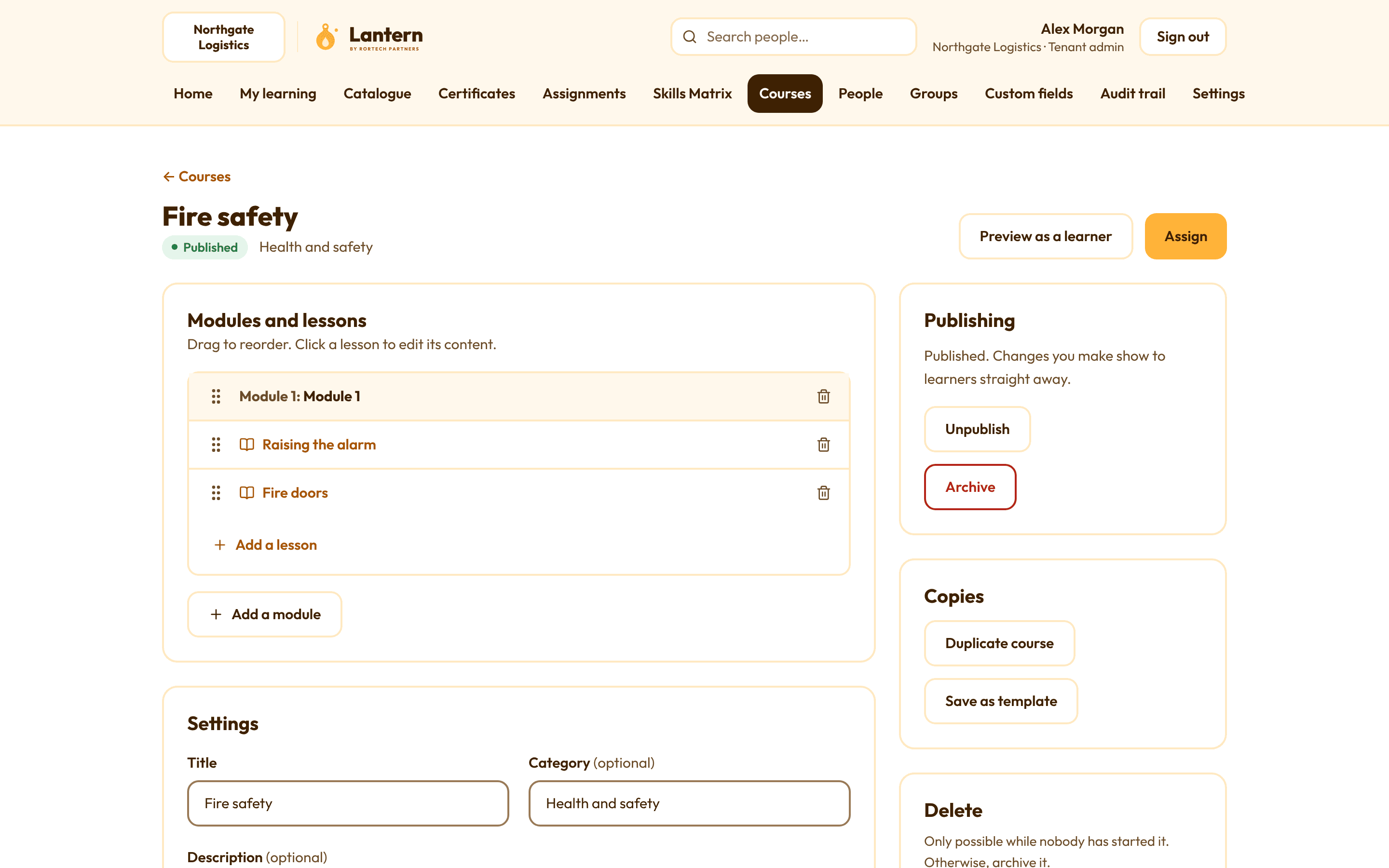
Bought-in SCORM courses and your own
Upload SCORM 1.2 or 2004 courses you've bought from other providers. Lantern plays them, saves people's progress and records their scores.
Or build your own courses with text, images, video, documents, quizzes and policy acknowledgements. Turn on "in order" if each lesson should unlock the next.
- New versions of a SCORM course, with a choice of what happens to people part-way through
- Quizzes with question banks, pass marks and attempt limits
- Policy sign-offs recorded with the date, time and wording people agreed to
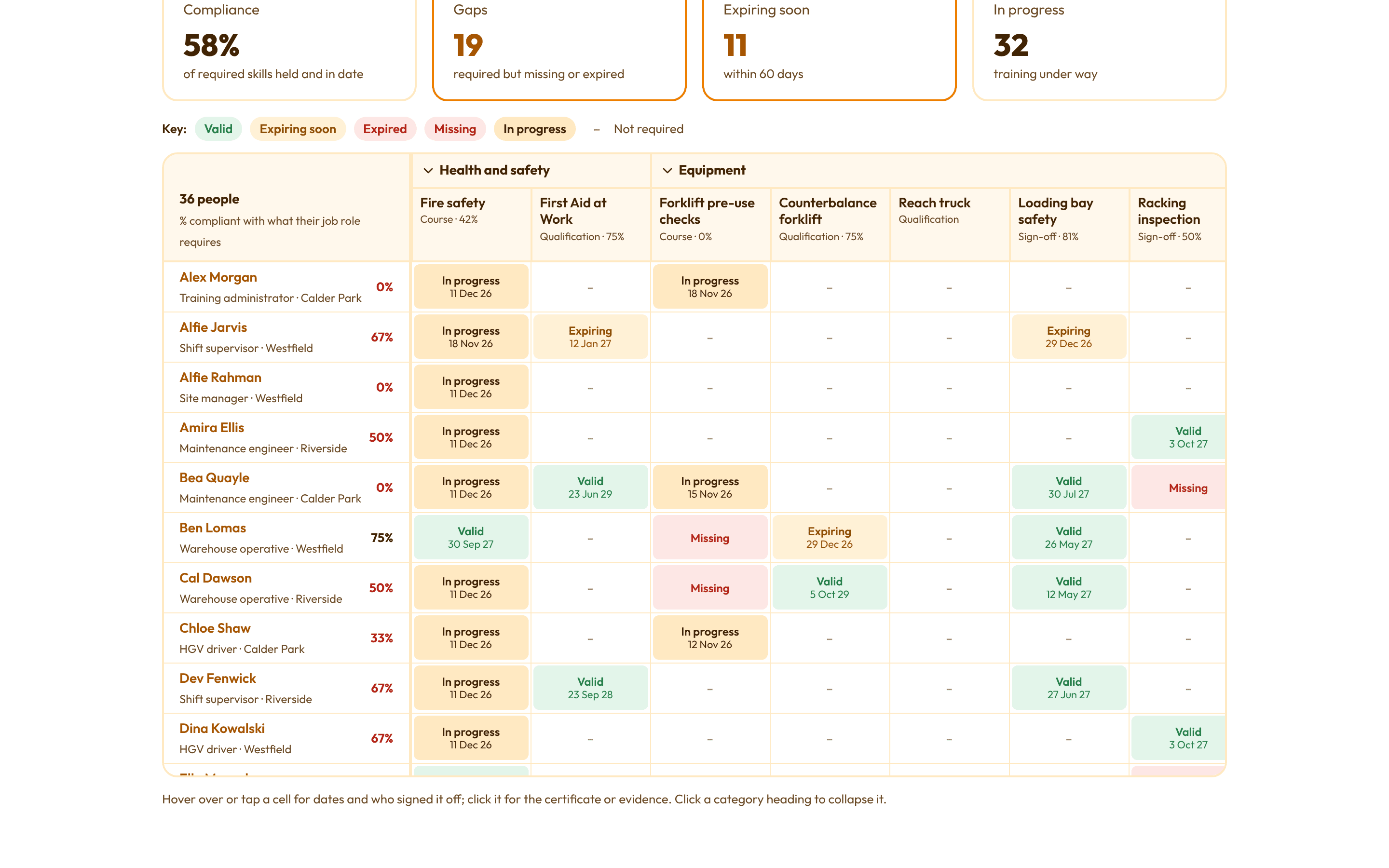
The Skills Matrix
Everyone down the side and every skill across the top: courses, external qualifications like forklift licences, and practical sign-offs by supervisors. Each cell says valid, expiring soon, expired, missing or in progress, in words as well as colour.
Say which job roles need which skills, and the gaps show up straight away.
- Filter by site, department, shift, job role, manager and status
- "Who can do this task?" lists everyone currently qualified
- Save views and export them to Excel or PDF
Reminders and expiry alerts
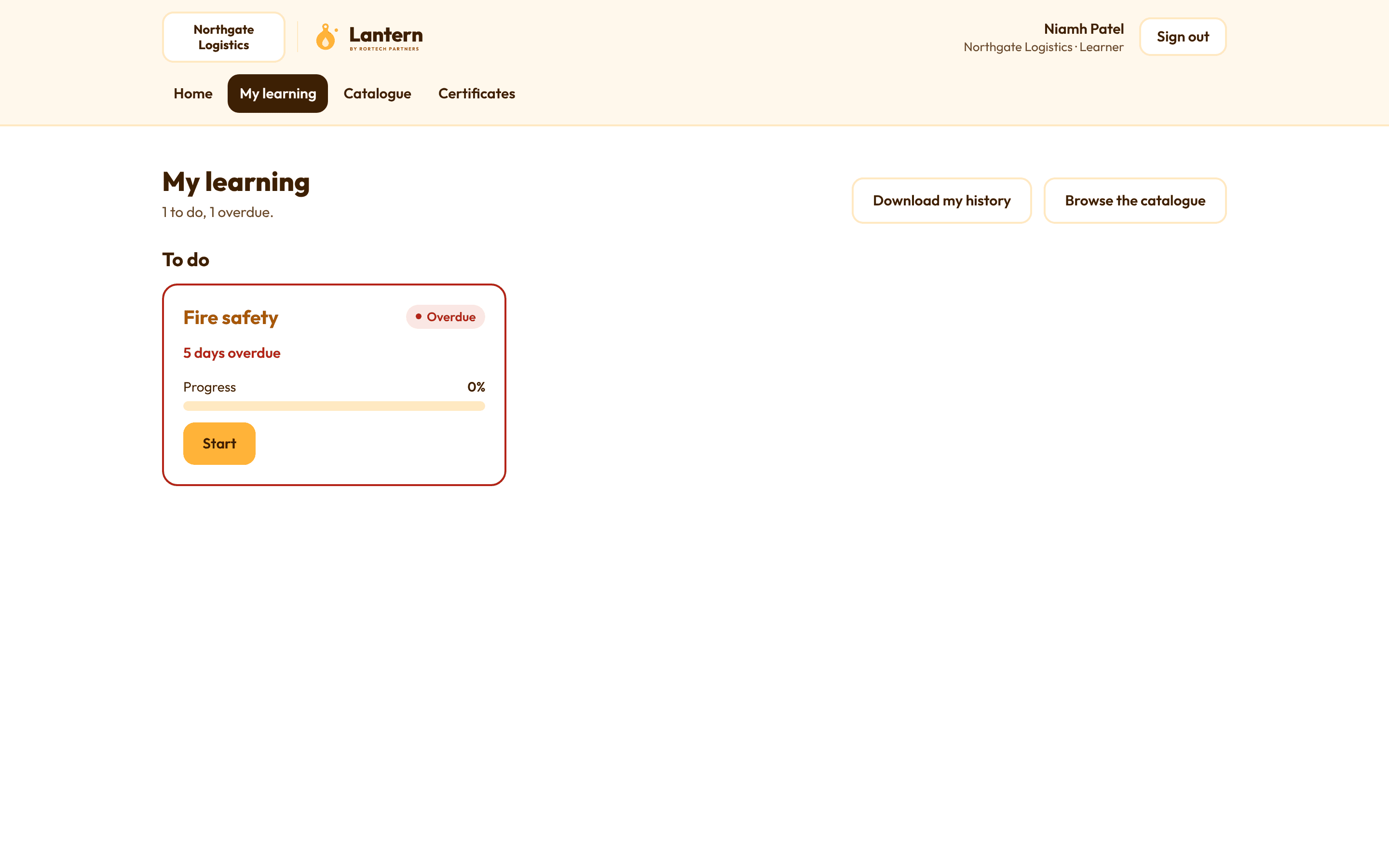
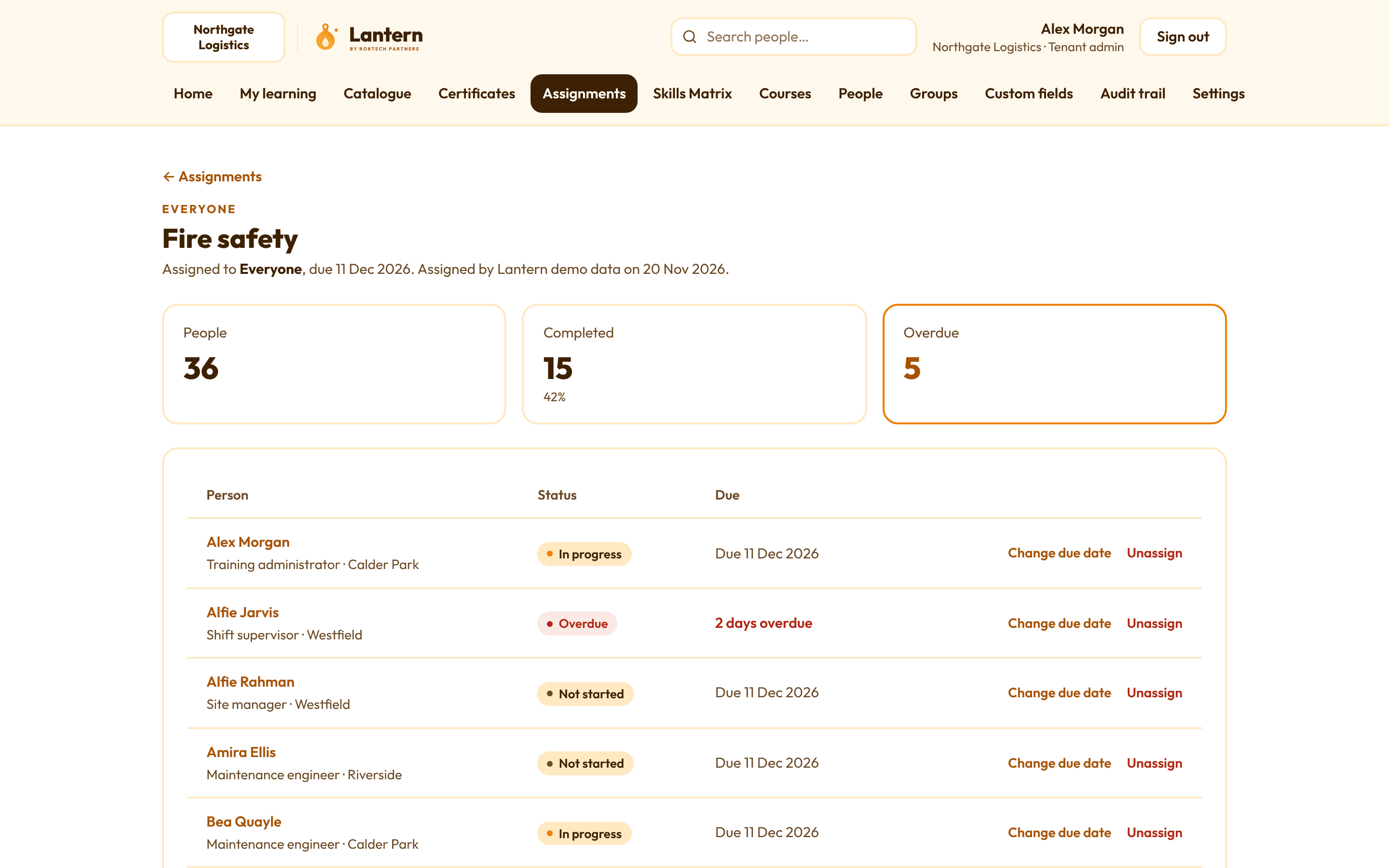
Assign training to people, groups or everyone, always with a due date. Lantern does the chasing: weekly reminders, daily overdue notices, a daily summary for each manager and alerts for HR before qualifications expire.
Training with a validity period can re-assign itself before it lapses, so refreshers never get missed.
- Emails go at the time you choose, in your organisation's own wording
- Managers assign training to their team and see how they're getting on
- Every email is logged, with whether it arrived
Certificates and evidence
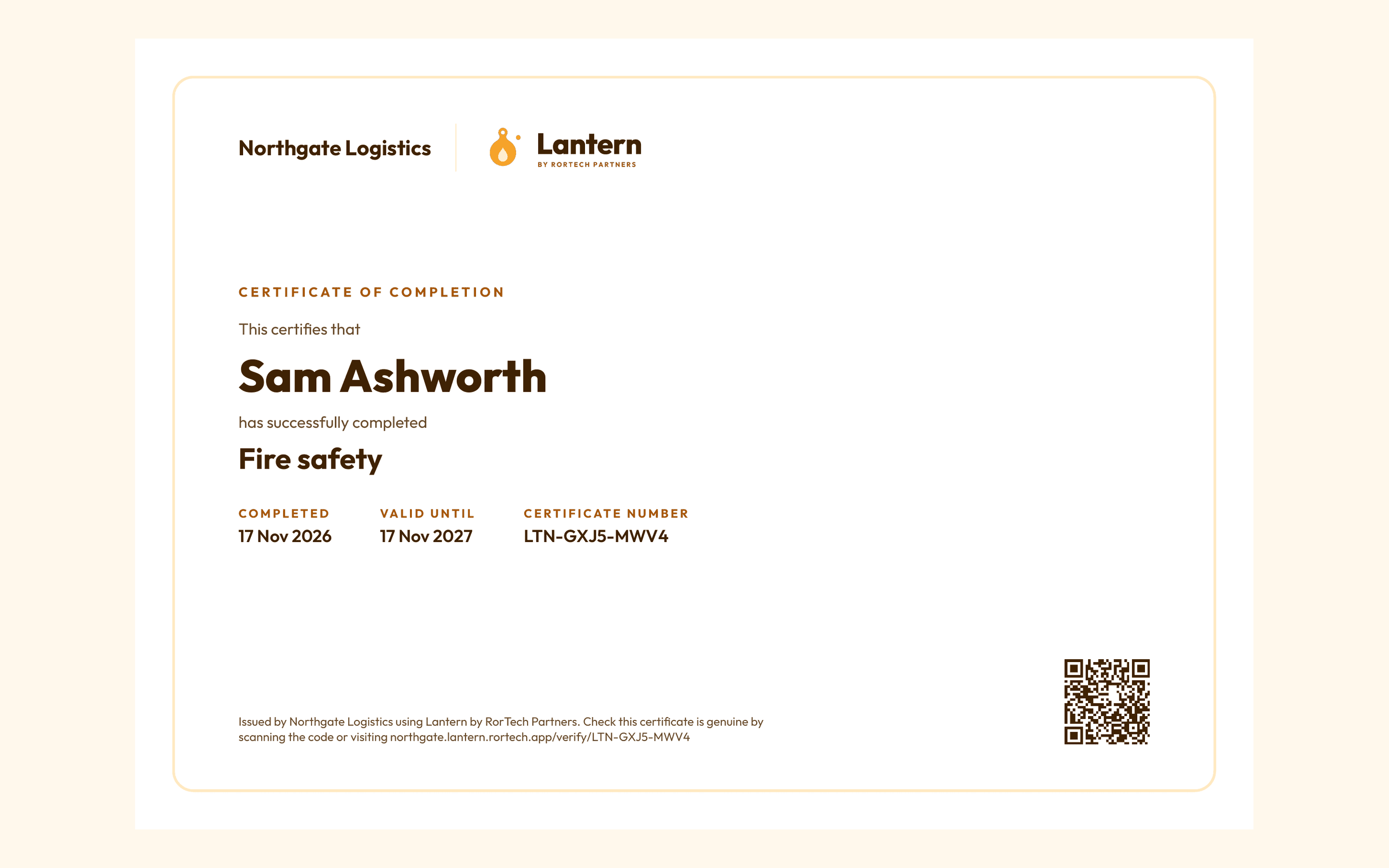
When someone completes a course, Lantern issues a certificate with a verification code anyone can check online. Copies of external certificates are uploaded with each qualification record, and only the right people can see them.
- Certificates show when they expire
- A full audit trail of completions, sign-offs and changes
Reporting
See completions, overdue training and compliance at a glance, then dig into a person, a course or a group. Export what you need to CSV or Excel.
See Lantern with your own training
Book a demo and we'll show you how it would work for your organisation.